Free to try · no sign-up
Buzz cut filter: try the cut before the clippers
Add a photo and see yourself with a short, even buzz cut in your own hair color. It is the same photo with one change, so you judge the cut and nothing else.
1. Add your photo
Face the camera in good light, hair pulled back, no hat.
Use your own photo, or one you have permission to use. It is sent once to make the edit and is not saved on our servers. Privacy
2. Pick a look
3 free previews a day
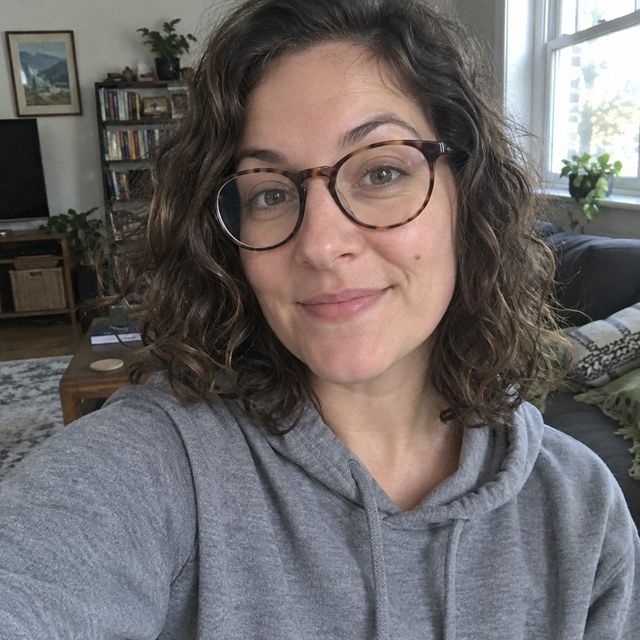
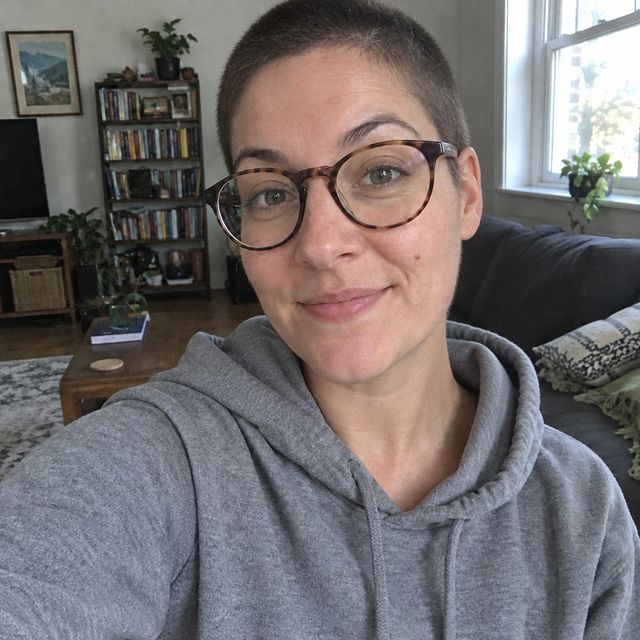
Example. Sample photos are AI-generated, not real people. Drag to compare; your own before and after appears here.
Editing your photo…
This usually takes about 20 seconds. Keep this page open.
Your before and after
Drag the line to compare. The before photo stays in your browser.
Full size, no watermark. Secure payment by Stripe.
Payment received — thank you!
Download HD imageThat one didn't work out
Please try again — failed tries don't count against your free previews.
What length you are looking at
The filter draws roughly a number 2 guard all over: about a quarter of an inch (6 mm), the length where the scalp starts to show through but the hairline is still clearly there.
For comparison, a number 1 guard leaves an eighth of an inch (3 mm) and a number 3 leaves three eighths (10 mm). If you are planning a number 1, expect it a little shorter and paler than the picture; a number 3 or 4 will look a little fuller.
Who tries it
People who have had the same haircut for ten years and are bored of it. People who train, swim or wear a helmet and are tired of fixing their hair afterwards. People whose hair is getting thinner on top, who have heard the usual barber's advice to go shorter and want to see it on their own head first. And anyone who has been dared by a friend.
A buzz cut grows out in a few weeks, but a few weeks is a long time to dislike your reflection. Thirty seconds here is cheaper.
A good photo for a buzz cut preview
- Push your fringe off your forehead so your real hairline shows. If it is covered, the AI has to guess where it is.
- Use even light from the front. Light from straight above puts shadows on the forehead and temples.
- Look straight at the camera with your head level, not tilted down.
- No cap, beanie or hood, and keep the top of your head inside the frame.
How it works
- Add a photo. A front-facing selfie in good light works best. It is cropped and downsized in your browser before it is sent.
- Pick a look. Bald, buzz cut, bald with a beard, silver buzz cut, or the extra shiny one for a laugh.
- Compare and share. Drag the slider between before and after. Share the side-by-side for free, or get the HD image for $2.99.
Before and after
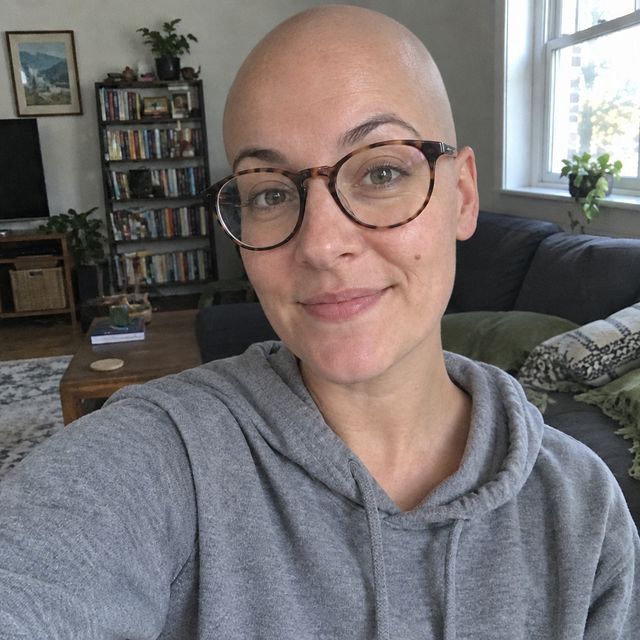
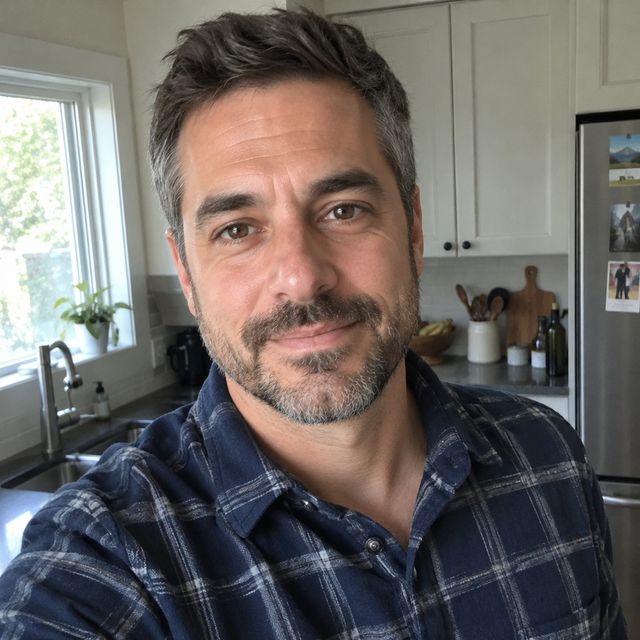
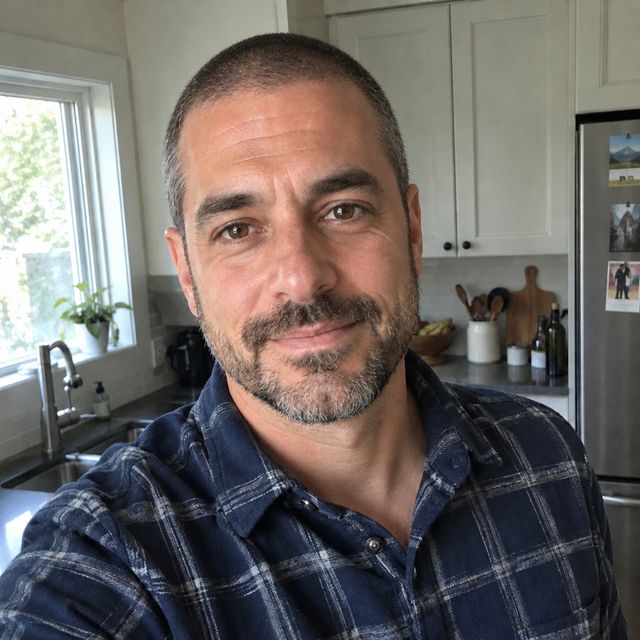
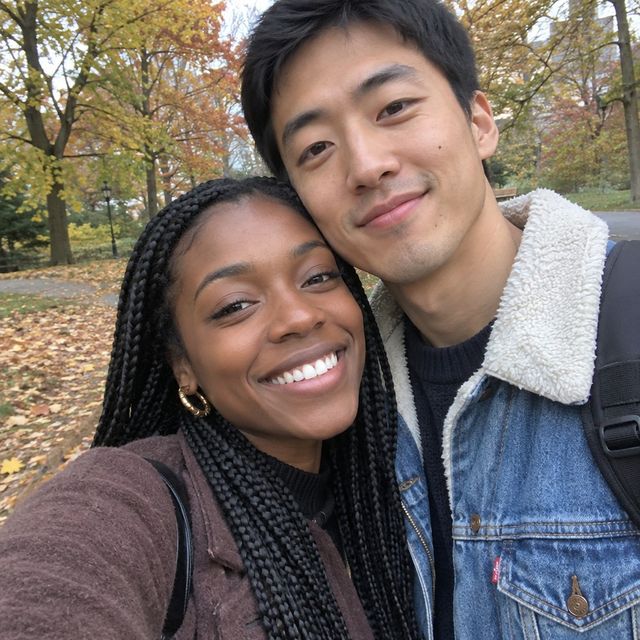
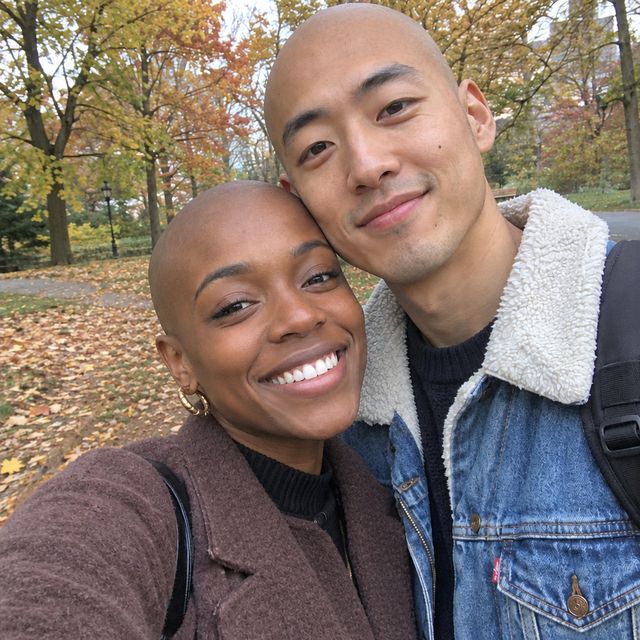
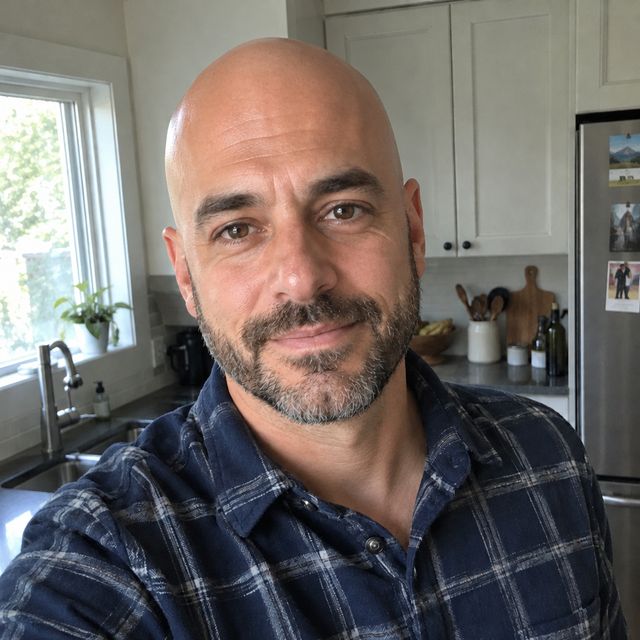
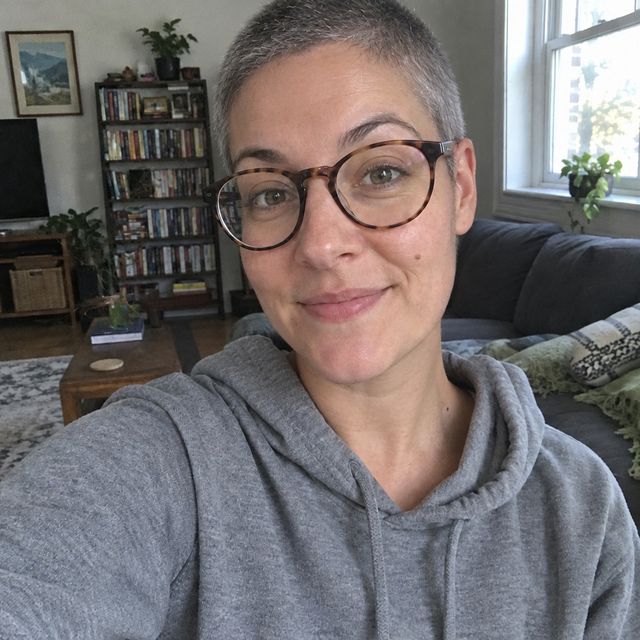
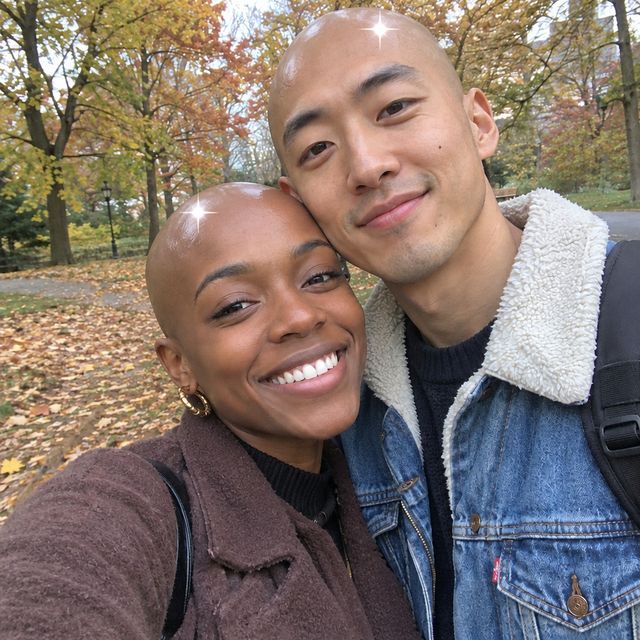
Sample photos are AI-generated: these are not real people and not customers' photos. Every “after” was made by this site's filter from the photo next to it.
More about each look
Photos that work best
- Face the camera, with your whole head in the frame.
- Soft light from the front, like facing a window.
- Long hair pulled back or tucked behind your ears.
- No hat, hood or headphones. Glasses are fine.
The filter can't see under your hair. Your scalp and the shape of your head are its best guess, so treat the result as a preview, not a promise.
Buzz cut filter questions
What guard number does the filter show?
About a number 2 (1/4 inch, 6 mm) all over. It shows one even length; it does not draw fades or a longer top.
Will it keep my hair color?
Yes. The buzz cut is drawn in your own hair color, including any grey. To see it in grey on purpose, pick the Silver buzz cut look.
Does it change my hairline?
It is told to keep your natural hairline. When hair covers your forehead in the photo it has to estimate where the hairline is, so push your hair back for the picture.
Can I try it on a photo with a friend?
Yes. Everyone in the photo gets the cut. Use a photo you have the right to use, and ask the people in it first.
What do I get for $2.99?
The full-size result (1024 pixels on the short side, PNG) without the watermark. The free preview is smaller and carries the site's address.
What happens to my photo?
It is cropped and downsized in your browser, sent once to our AI image provider (OpenAI) to make the edit, and not saved on our servers. We keep only the finished result so you can download it.