Free to try · no sign-up
Bald with a beard: see the look on your own face
A shaved head and a full beard are often worn together. Add a photo and see both on you: the filter shaves the head and keeps your beard, or adds one if you are clean-shaven.
1. Add your photo
Face the camera in good light, hair pulled back, no hat.
Use your own photo, or one you have permission to use. It is sent once to make the edit and is not saved on our servers. Privacy
2. Pick a look
3 free previews a day
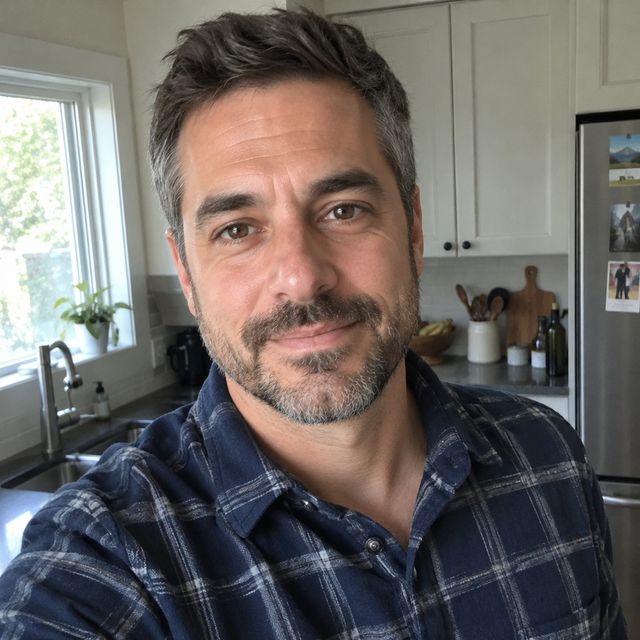
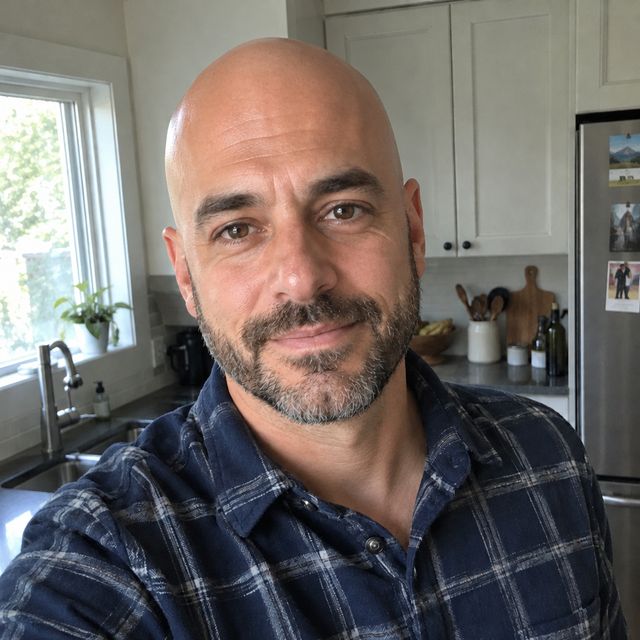
Example. Sample photos are AI-generated, not real people. Drag to compare; your own before and after appears here.
Editing your photo…
This usually takes about 20 seconds. Keep this page open.
Your before and after
Drag the line to compare. The before photo stays in your browser.
Full size, no watermark. Secure payment by Stripe.
Payment received — thank you!
Download HD imageThat one didn't work out
Please try again — failed tries don't count against your free previews.
Why people try the two together
Taking the hair off the top of the head changes where a face seems to start and stop. A beard puts some weight back at the jaw, which is one reason the two are so often worn together. Whether that works on your face is hard to imagine and easy to see.
If you have a beard, and if you don't
If your photo shows a beard, the filter keeps its color and fills it out to a full, trimmed shape. If you are clean-shaven, it adds a beard in your natural hair color.
An added beard is a guess. Real beards grow in their own pattern, thicker in some places than others, and often in a slightly different shade from the hair on your head. Use the picture to judge the overall shape, not to predict your exact beard. To see the shaved head with your face exactly as it is, choose the plain Bald look.
Photo tips for the beard look
- Keep your chin and the top of your neck in the frame, and keep your hand, a scarf or a high collar away from your jaw.
- Face the camera with light from the front, so the jawline is not in shadow.
- A relaxed, closed-mouth expression gives the most natural beard.
- Hair pulled back and no hat, as for every look.
How it works
- Add a photo. A front-facing selfie in good light works best. It is cropped and downsized in your browser before it is sent.
- Pick a look. Bald, buzz cut, bald with a beard, silver buzz cut, or the extra shiny one for a laugh.
- Compare and share. Drag the slider between before and after. Share the side-by-side for free, or get the HD image for $2.99.
Before and after
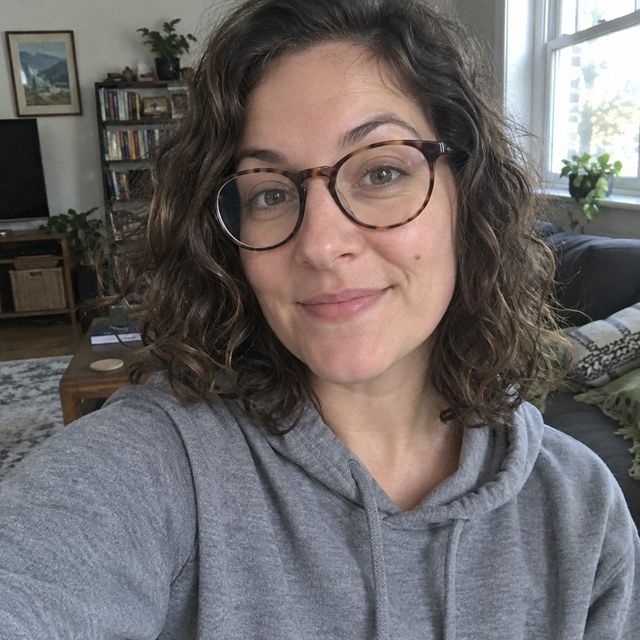
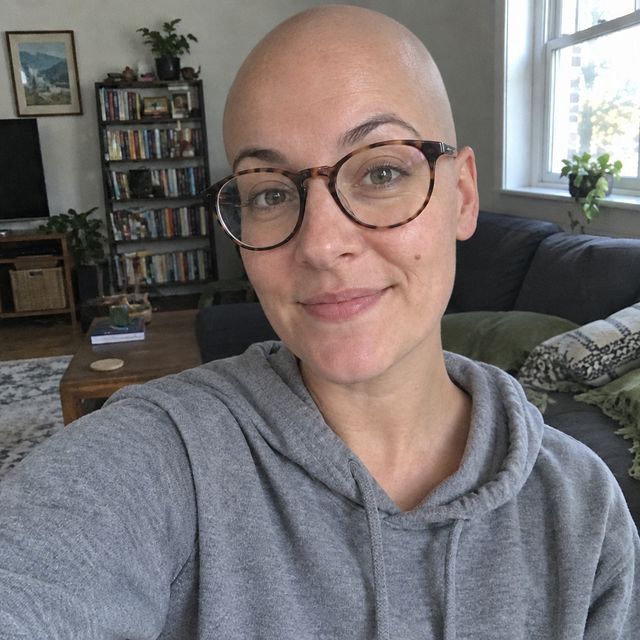
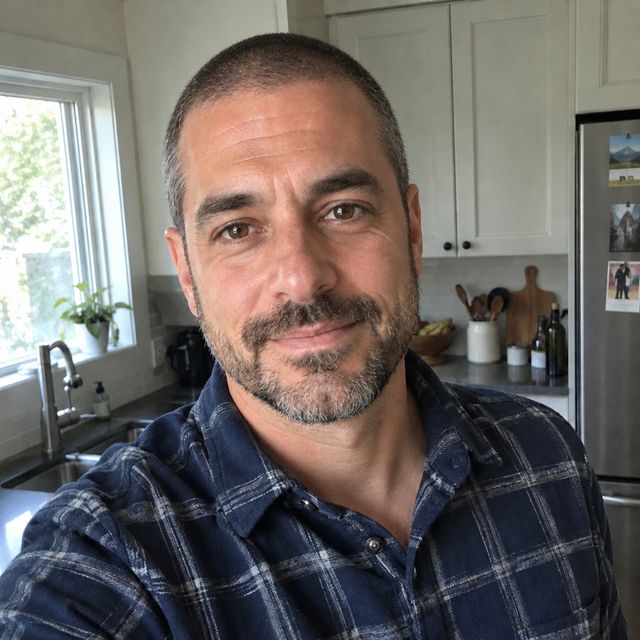
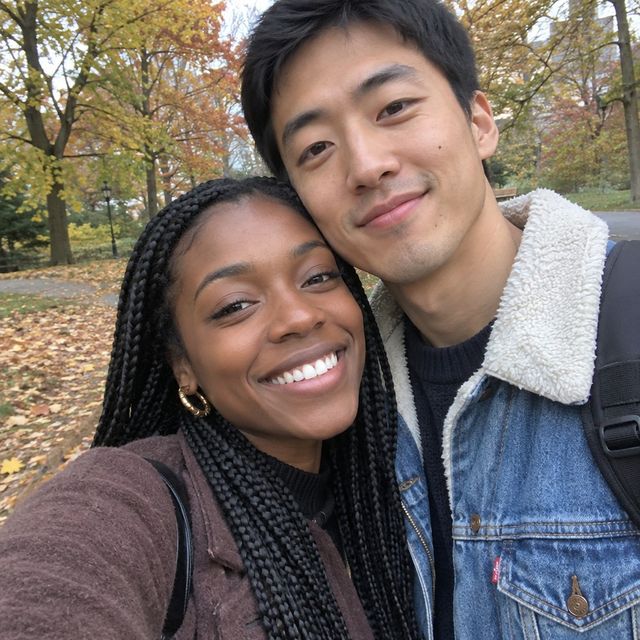
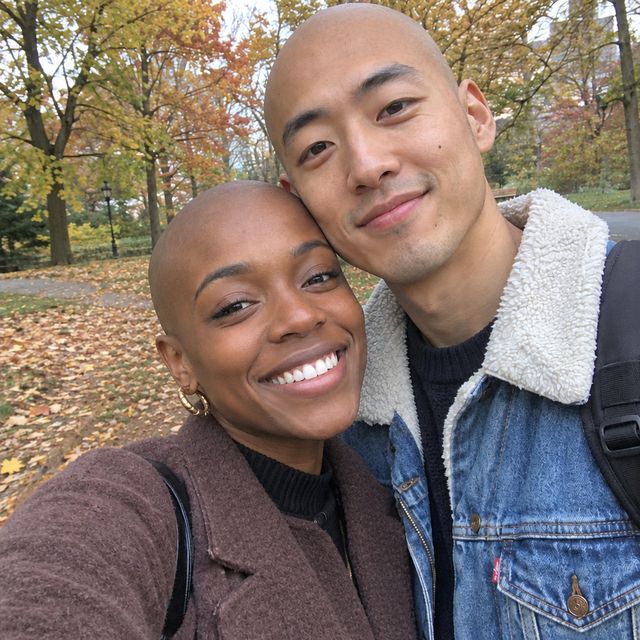
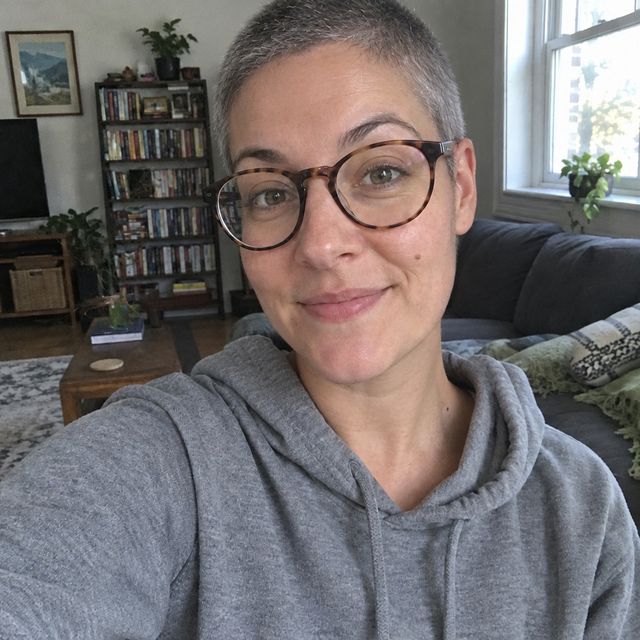
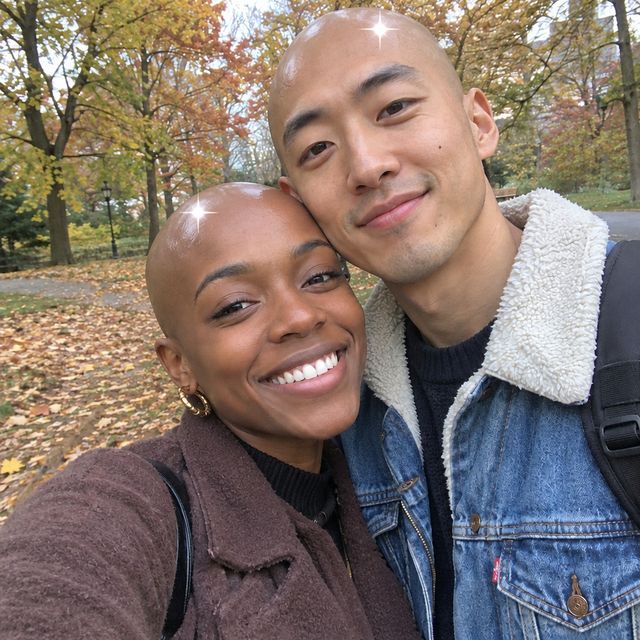
Sample photos are AI-generated: these are not real people and not customers' photos. Every “after” was made by this site's filter from the photo next to it.
More about each look
Photos that work best
- Face the camera, with your whole head in the frame.
- Soft light from the front, like facing a window.
- Long hair pulled back or tucked behind your ears.
- No hat, hood or headphones. Glasses are fine.
The filter can't see under your hair. Your scalp and the shape of your head are its best guess, so treat the result as a preview, not a promise.
Bald with beard questions
I can't grow a full beard. Is this still useful?
It shows what the combination would look like on your face, which helps you decide whether it is worth trying. It cannot tell you how your own beard would grow in. The plain Bald look shows the shaved head on its own.
What if the person in the photo has no facial hair at all?
This look adds a beard to everyone in the photo, because that is what it is for. That includes women: in our test it gave a woman a full beard, which changes how the face reads a lot. If you don't want that, pick Bald or Buzz cut.
Does it change the color of my beard?
It is told to keep the color it finds, including grey, and to use your hair color when it has to add one.
Can I pick a goatee or stubble instead?
Not at the moment. This look draws a full, neatly trimmed beard.
What do I get for $2.99?
The full-size result (1024 pixels on the short side, PNG) without the watermark. The free preview is smaller and carries the site's address.
What happens to my photo?
It is cropped and downsized in your browser, sent once to our AI image provider (OpenAI) to make the edit, and not saved on our servers. We keep only the finished result so you can download it.